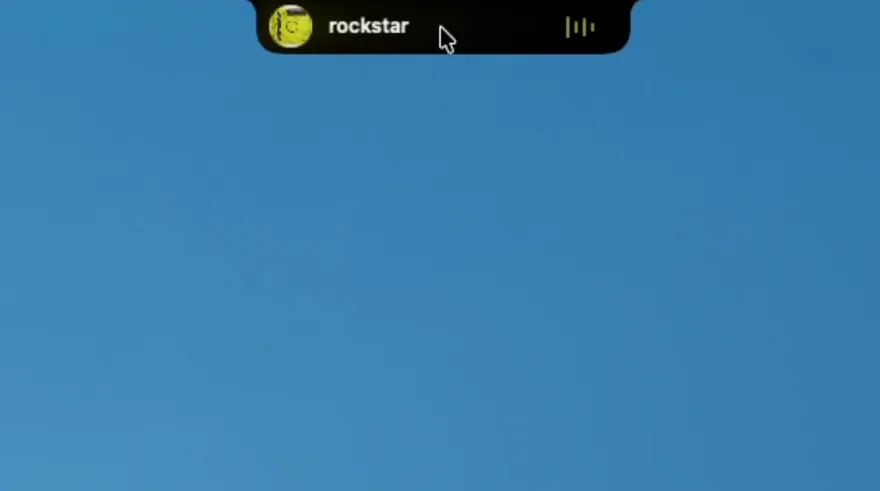
Since v1.0.100
Playback speed for video in your browser
Slow a lecture down or push a tutorial to 1.5× straight from the now-playing island, for video in Chrome, Brave, Edge, Vivaldi and Safari — no extension, no fiddling with the page.
Read more →The features worth knowing about, in plain language. For the full build-by-build record — every fix, every version — see the changelog.
Since v1.0.100
Slow a lecture down or push a tutorial to 1.5× straight from the now-playing island, for video in Chrome, Brave, Edge, Vivaldi and Safari — no extension, no fiddling with the page.
Read more →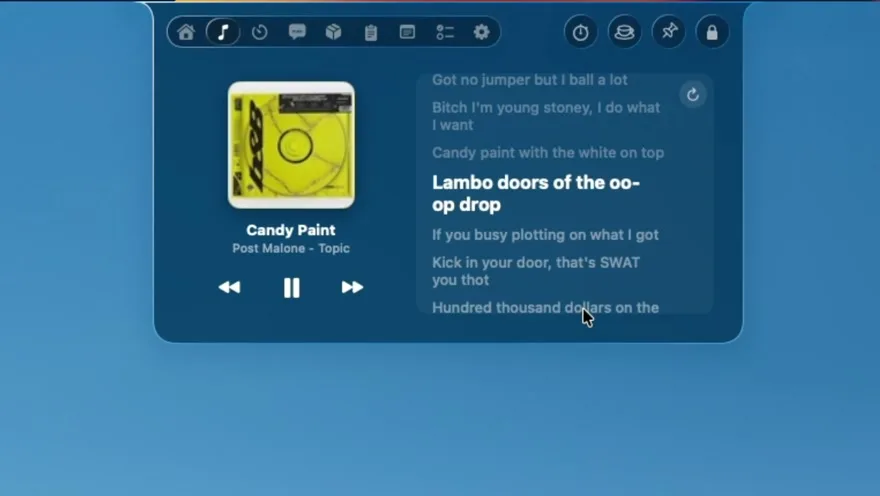
Since v1.0.100
Lyrics scroll full-screen on the macOS lock screen with transport controls, so a locked Mac becomes a now-playing display you can still skip tracks from.
Read more →Since v1.0.100
Choose which provider sections appear in the AI Usage tab and how they're ordered — rate-limit windows, tokens, cost and pace projections for Claude Code, Codex, Cursor, Copilot and 60+ providers.
Read more →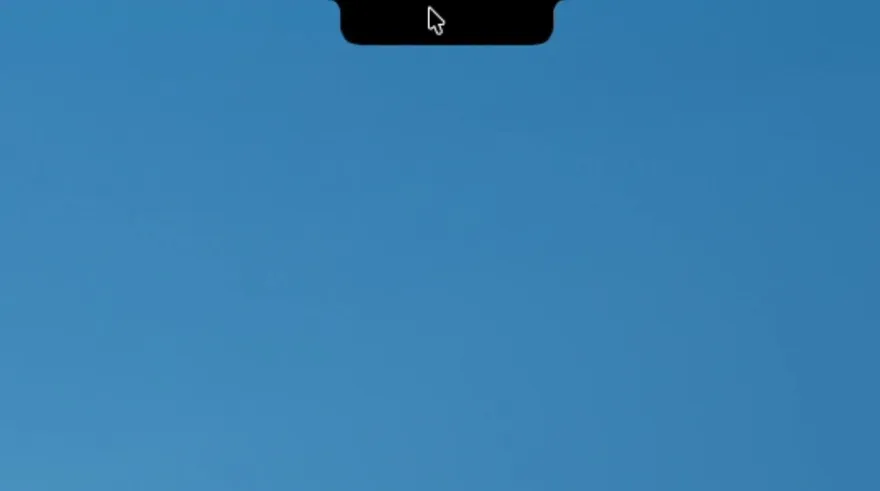
Since v1.0.100
Set the expanded island's width and height with live preview, from compact to extra-roomy — the notch stops being one fixed size for every Mac.
Read more →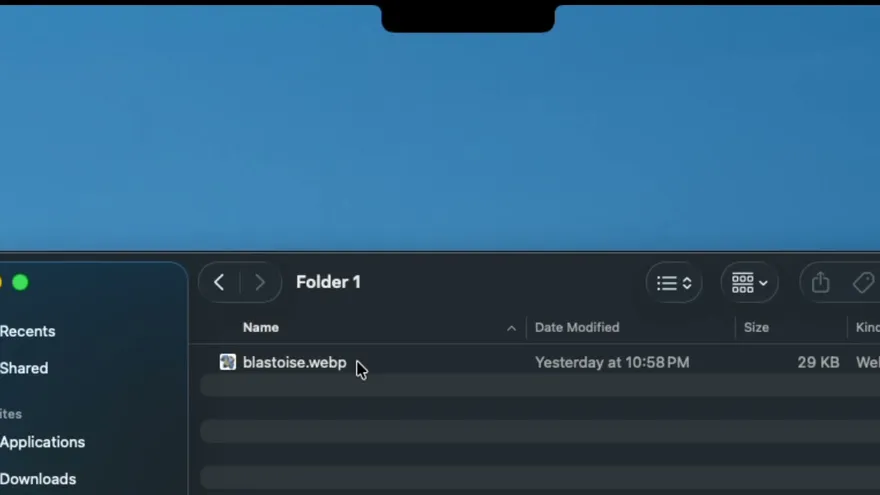
Since v1.0.106
Dragging a file onto the notch holds it open until you drop, instead of flickering shut mid-gesture, and the panel closes properly after a drop or a removal.
Read more →Since v1.0.108
Camera and Reminders raise the real macOS prompt rather than dumping you in System Settings, and “Ask me again” clears a stale answer so macOS can prompt once more. If a prompt still can't appear, Notchy says why.
Read more →
Since v1.0.107
The Terminal tab takes keystrokes without popping out into its own window first — a real VT100 shell inside the island.
Read more →Latest release: v1.0.178 — A desktop pet that lives on your screen, an app launcher wheel, and Notchy sitting where it should on external displays..